To open the Search KJV Words of Christ dialog, select Search KJV Words of Christ from the Search menu, or press Alt+F2.
This is what the dialog looks like:
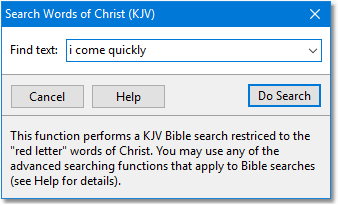
Sample Search KJV Words of Christ dialog
This function performs a KJV Bible module search, but restricts the search to the "red letter" words of Christ. Search results are displayed in a Verse List panel.
If you need more control over your search, you can use the Search Bible dialog with the "Words of Christ Only" option selected.
The Search Words of Christ function supports the same Advanced Search Expressions available to normal Bible searches.