A Verse Guide panel is a type of search result panel created when you do one of the following:
•Type a verse reference in the Go to Verse toolbar, or, using the set active verse Verse Widget.
•Use the Verse Guide item on the Bible panel pop-up menu.
A Verse Guide shows you all of the library material that references a particular verse or passage. Clicking on an item will load it in the appropriate panel, with the verse reference highlighted. As an example, the following Verse Guide is displayed when you type 2Ti 3:16,17 into the Go to Verse toolbar and press Enter.
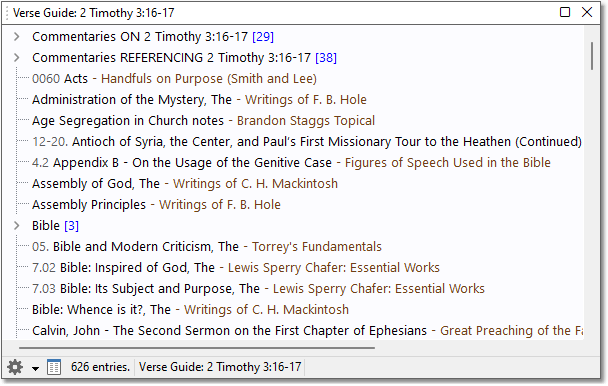
Sample Verse Guide for 2Ti 3:16,17
The first section of the Verse Guide shows commentaries that have entries specifically on the verse(s):
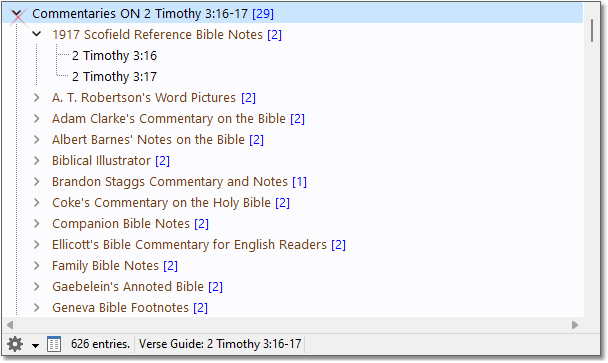
Sample Verse Guide, showing commentaries on verses
The second section shows commentary entries that reference the verse(s):
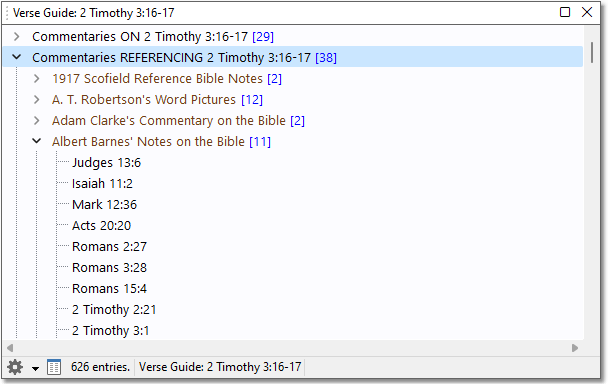
Sample Verse Guide, shoing commentaries referencing verses
The remainder of the verse guide shows Book and Dictionary entries that reference the verse(s).
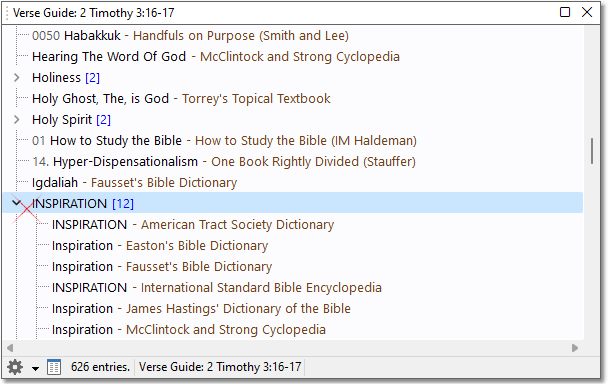
Sample Verse Guide, showing multiple Books with entries titled INSPIRATION referencing 2Ti 3:16-17
The above example shows book results sorted by entry title, where same-title entries from books are grouped together (as in INSPIRATION in the above example).
You can click the settings button and change the sorting to group entries by book:
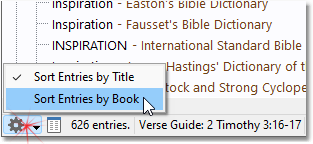
Verse Guide Panel settings menu
With entries sorted by book, the Verse Guide looks like this:
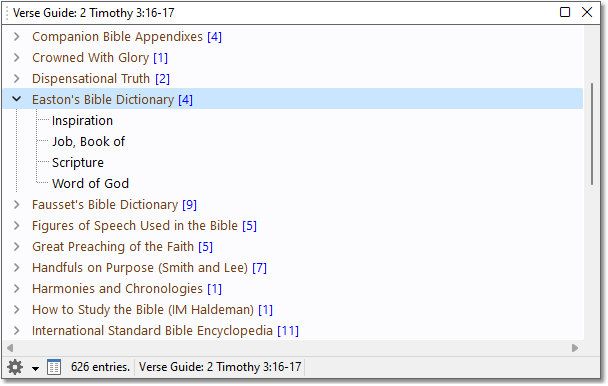
Sample Verse Guide, showing book entries grouped by book module, for 2Ti 3:16-17.
Tip: When entries are sorted by book, you can use a Module Shortcut to instantly scroll to your favorite books.
Tip: Right-click an item in the Verse Guide and select Open in Clone Panel if you'd like to examine the content without changing your active Commentary or Book panel entry.
Tip: If you would like to browse the Verse Guide with a preview of the content, click the Open in Topic Guide button, which will open the content in the Topic and Verse Guide window:
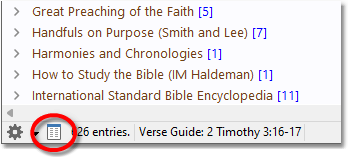
Sample Verse Guide with Open in Topic Guide button circled