If this video does not fit in your browser window, toggle full-screen mode by pressing F11.

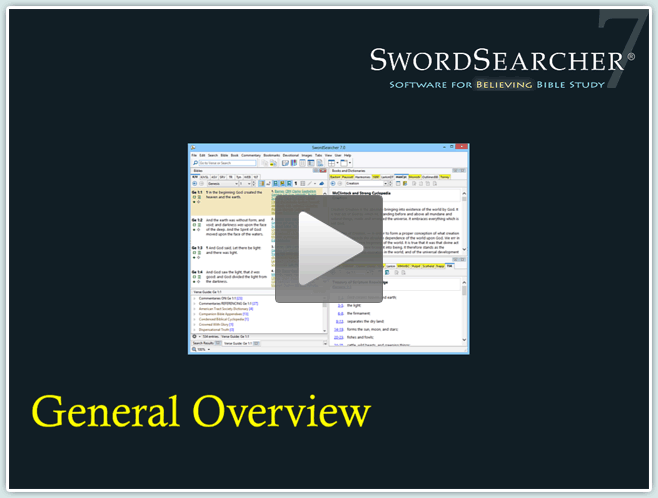
This introductory video demonstrates how to use several SwordSearcher functions. The Bible, Book, and Commentary panels are explained. The value of the Margin Area is shown. You'll see pop-up verse references, how to do a quick Bible search and use the Verse List panel, how to use the module selector, and how to begin a topical study.

SwordSearcher Bible Software Home | More Videos | Buy Now

©2010 StudyLamp Software LLC. All reserved. SwordSearcher is a registered trademark.